
A tour is the easiest time to check whether a workspace fits the way you actually work. Bring your laptop, a short description of your routine and any questions that affect the decision. This checklist focuses on things you can see, try and ask at Dansa in Rohini, rather than treating a long amenity list as proof that every detail has been settled.
Before leaving: know what you are coming to see
Choose one or two relevant options from the workspace list: an open seat, fixed workstation, single cabin or four-person cabin. Send your preferred visit date on WhatsApp and wait for confirmation. A tour request is not an automatically accepted appointment, and a photographed cabin should not be assumed to be available right now.
Check the actual address: First Floor, 262, H-17, Sector 7, Rohini, near Dr. Baba Saheb Ambedkar Hospital Metro Station (formerly known as Rohini West). Ask about the route, nearby parking and any particular accessibility requirement. Bring the people whose requirements will decide the choice, especially when a team has different call patterns or technical setups.
On arrival: include the whole journey
Notice the entrance, the first-floor approach and the time needed for the final part of the journey. If you use public transport, check the appropriate exit and walking route. If you drive, inspect the parking arrangement that would actually apply to you rather than assuming that a nearby parking area is reserved or included free.
Ask what a normal arrival looks like for members and visitors. A space can feel convenient during a planned tour while still raising questions about late arrival or client access. Make a note of those questions immediately. You are evaluating a repeated routine, not only whether the front door was easy to find once.
At the seat: use your actual working position
Sit in the chair and put your laptop where you would use it. Check the working surface, lighting and surrounding activity. Explain any additional equipment you intend to bring and ask what is permitted. Laptops appearing in photographs should not be taken as supplied equipment without confirmation.
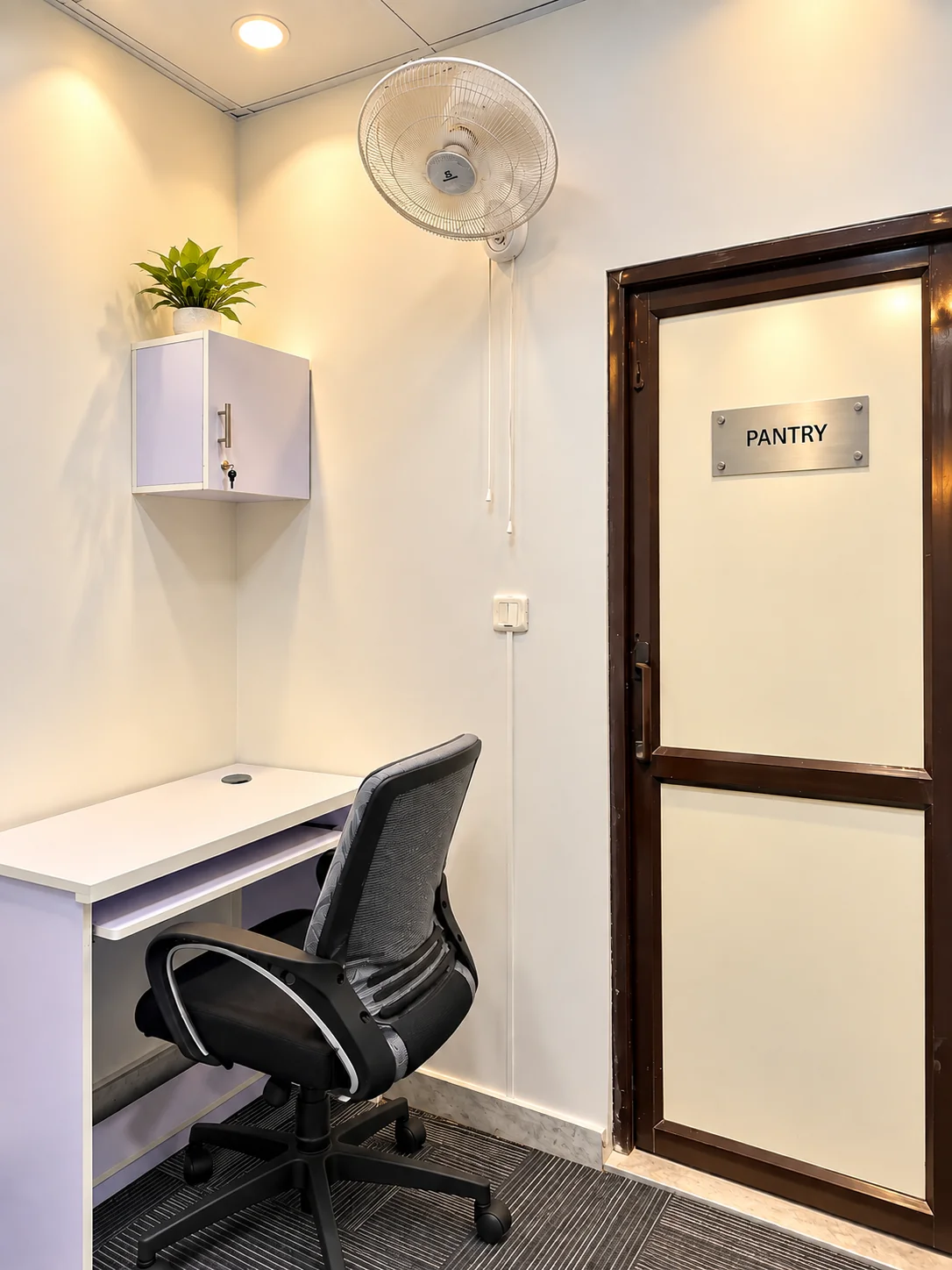
For the single-seater cabin, try the ergonomic chair with lumbar support and a headrest and inspect the large locker. For a four-person cabin, consider four complete setups rather than one empty desk. For shared seats, confirm whether the plan is flexible or assigned. That distinction is explained in the open-versus-fixed guide.
On the laptop: check your real tools
Dansa provides 300+ Mbps Wi-Fi and power backup. Within your organisation’s policies, test the applications and connections you normally need. If you use a managed laptop or company VPN, checking that setup is more useful than browsing on a personal phone.
Try from the area where you expect to work. Experienced speed depends on the device, signal, network load and external services; the headline is not a dedicated per-device guarantee. Ask about backup coverage for the equipment relevant to you and how an interruption is handled. The Wi-Fi and backup guide offers a focused set of questions for that conversation.
Around the room: listen as well as look
Think about your normal conversations. A private cabin provides enclosure but is not advertised as soundproof. Listen to the surroundings and assess whether they suit your work. For a team, consider whether several people speaking at once will work inside the same cabin.
Ask how client meetings are handled. The meeting room seats up to six people and is booked separately by the hour or through any confirmed membership-credit arrangement. It is not a six-person monthly cabin. Check equipment and visitor arrangements rather than assuming that the room will always be available when your team needs it.
Before discussing price: confirm the working week
Standard access is 9 AM–8 PM, six days a week. Confirm the closing day and holidays. If you need earlier, later or 24×7 access, describe the actual schedule. Extended access can be arranged on request, subject to confirmation, with extra charges.
Ask what entry and facilities would be available during the agreed hours. Do not assume that every amenity is staffed or operated identically around the clock. For an occasional late meeting, ask about a specific room booking separately. The extended-hours guide helps turn “flexible timing” into questions the team can answer precisely.
At the end: request a complete written quote
Confirm the product, billing period and number of people or seats covered. Separate the recurring fee from the one-month security deposit on monthly workspace plans. Ask about applicable taxes, extras, notice, cancellation, renewal and deposit-return conditions. Record the agreed access and allowances alongside the price.
The 10% early-bird offer for the first 25 customers requires confirmation of eligibility and terms. It is not a reason to skip the regular-price comparison or assume a permanent discount. Use the cost guide for worked examples and the pricing page for the current public rates.
After the tour: compare the ordinary day
Write down what works, what remains uncertain and what needs written confirmation. Compare the same products across your shortlist: a complete cabin against a complete cabin, or an assigned desk against an assigned desk. Do not let a low number for a different product decide the comparison.
When ready, contact Dansa with the plan and proposed start date. The team confirms availability and next steps directly; the website does not take payment or reserve inventory. A useful tour leaves you able to describe the decision in plain terms: this is where I will work, these are the arrangements, and this is the commitment I understand.
Workspace details and regular prices describe Dansa’s Rohini offering. Confirm current availability, your complete quote and the agreed terms with our team before booking.
Ask a question about this guide